Calm & Clutter-Free: A Fresh Guide to Organizing Your Home Office
Design a workspace that supports focus, creativity and everyday life.
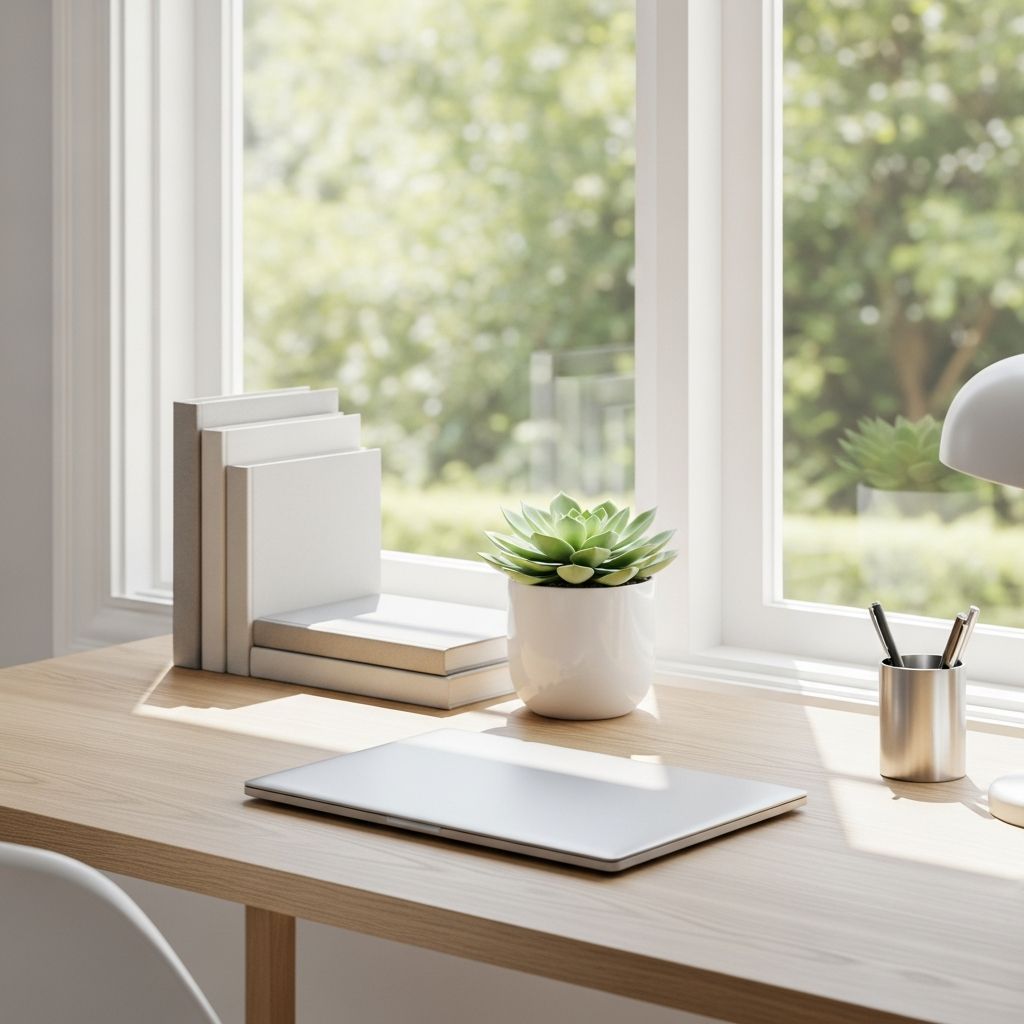
A well-organized home office does more than look tidy; it helps you think clearly, work efficiently, and actually enjoy sitting down to get things done. Whether you use a dedicated room or a corner of your living space, you can transform it into a functional, focused environment with a few intentional changes.
Why Your Workspace Feels Overwhelming
Most home offices become stressful not because they are small, but because they have to do too many jobs at once: work hub, mail station, storage closet, and sometimes even guest room. Clutter builds up when those different purposes are never clearly defined. Before you start buying containers or moving furniture, step back and figure out what you truly need the space to do.
- List every activity that happens in your office (work, studying, crafting, bill paying, gaming, etc.).
- Decide which activities are essential and which could move elsewhere in the home.
- Commit to setting limits: if the room is a home office, it should not also be a long-term storage unit.
Step One: Declutter With a Purpose
Decluttering is not about getting rid of everything; it is about making sure that every item in your office has a job and a logical place. When you approach it with a method, the process becomes less emotional and more like a practical project.
The Four-Box Method
Gather four boxes or bins and label them clearly. Work in short, focused sessions so the project feels manageable.
- Keep: Items you use at least weekly and that directly support your work or study.
- Store elsewhere: Items you need, but not in your office (seasonal files, keepsakes).
- Donate or sell: Supplies, books, and duplicates that still have life left in them.
- Recycle or shred: Outdated paperwork, packaging, broken or unusable items.
Work through your desk, shelves, drawers, and floor in small zones. Do not skip areas that you rarely open—hidden clutter still affects how your office functions.
Paper Triage System
Loose paper is one of the biggest sources of office chaos. Set up a simple triage that you can maintain in minutes each day.
- Action: Papers that require a task (call, payment, signature, follow-up).
- Reference: Documents you need to keep but rarely touch (tax records, warranties).
- Temporary: Short-term items (event flyers, shipping receipts) that can be tossed after a date or task.
Use three clearly labeled vertical trays or magazine files. When new paper arrives, drop it into one of these categories immediately instead of stacking it on your desk.
Designing the Layout: Think in Functional Zones
A productive home office is arranged around activities, not furniture pieces. Visualize your space as a set of zones, even if you only have part of a room to work with.
Core Work Zone
This is the spot where you actually do focused work. Keep it as clear and simple as possible so your brain associates it with getting things done, not multitasking.
- Place your desk where you have good light and minimal visual distractions.
- Limit the desktop to essentials: computer, notebook, one or two pens, and maybe a lamp or plant.
- Store anything you do not use daily in drawers or shelves, not directly on the work surface.
Support & Storage Zone
The support zone houses items you need often but not constantly. Keeping it slightly away from your main work surface encourages you to stand, stretch, and physically change positions.
- Use a small cabinet, bookcase, or rolling cart for printer, paper, labels, and extra supplies.
- Place this zone behind or beside your main chair so you can reach it with a short walk or swivel.
- Keep the top surface clear for temporary stacking when you are in the middle of a project.
Inspiration & Lounge Zone (Optional)
If your space allows, add a small secondary area that supports creativity and relaxation. This helps you separate deep-focus work from reading, brainstorming, or breaks.
- Add a comfortable chair with a side table for reading, planning, or quiet thinking.
- Use a small bulletin board or whiteboard nearby for ideas, goals, and project outlines.
- Keep decor intentional: a few meaningful objects are better than crowded shelves.
Smart Storage That Fits Real Life
Storage should feel like a tool, not a puzzle. If putting items away is complicated, clutter will return quickly. Choose containers and systems that match how you naturally work.
Open vs. Closed Storage
| Storage Type | Best For | Pros | Watch Out For |
|---|---|---|---|
| Open shelves | Books, decor, frequently used binders | Easy to see and grab; motivates neatness | Can look busy if overcrowded |
| Closed cabinets | Tech, bulk supplies, archives | Hides visual clutter; cleaner look | Easy to overfill and forget contents |
| Drawers | Small items, tools, stationery | Great for organizing categories | Become “junk drawers” without dividers |
| Bins & baskets | Loose items, cables, odd-sized supplies | Flexible and portable | Need labels to stay functional |
Labeling That Actually Works
Labels are like road signs for your space. They remind you where things live and make it easier to put items back quickly at the end of the day.
- Label by action or category: “Mailing,” “Current Projects,” “Office Supplies,” “Tech Cables.”
- Use simple, large text so you can read labels at a glance from your chair.
- Reserve one or two bins as “empty space” for growth so your system does not overflow immediately.
Taming Cables, Devices, and Digital Clutter
A modern home office is just as digital as it is physical. If cords, files, and notifications feel out of control, you need systems that address both the hardware and the software sides of your work.
Cable and Device Management
Visible cords can make even a clean desk feel messy. With a few practical tweaks, you can keep everything powered without the tangle.
- Mount a power strip under the desk or on a wall to keep plugs off the floor.
- Bundle cords with Velcro ties, clips, or zip sleeves and route them along the back of furniture.
- Create a dedicated charging station with labeled spots for laptops, tablets, and phones so devices do not sprawl across the workspace.
Simple Digital Filing System
Digital clutter slows you down just like paper piles do. Instead of dozens of random downloads and desktop icons, create a structure you can maintain without thinking too much about it.
- Set up a small set of main folders (for example: Admin, Clients, Finances, Personal, Archive).
- Inside each folder, create subfolders for years, projects, or major topics.
- Give files descriptive names that include dates or project names so they are searchable later.
Schedule a recurring 10–15 minute session each week to empty downloads, sort new files, and back up important documents to cloud storage or an external drive.
Making a Small or Shared Space Work
If your home office is carved out of a bedroom, living room, or hallway, you can still create a clear mental boundary between “work mode” and “home mode.” The key is flexibility and visual separation.
Vertical & Multi-Purpose Solutions
When floor space is limited, think upwards and in layers. The goal is to give every inch a job without making the room feel crowded.
- Install wall shelves or pegboards above the desk instead of adding more furniture.
- Use a desk with built-in drawers or shelves so storage does not spread into the rest of the room.
- Choose multi-purpose pieces like an ottoman with storage or a fold-down wall desk that disappears when off-duty.
Visual Boundaries in Shared Areas
In a shared living space, visual clues signal when the office is “open” or “closed.” This protects your focus during the day and your ability to relax in the evening.
- Use a folding screen, curtain, or tall bookcase to define the office corner.
- Adopt an “office closed” routine: close the laptop, clear the desk surface, and turn off a task lamp at the end of the workday.
- Use attractive boxes or baskets that blend with your decor so work items can be tucked away quickly.
Personalizing Without Creating Visual Noise
Your home office should feel like your space, not a generic cubicle. At the same time, too many decorative items can become distractions. Aim for a thoughtful mix of function and personality.
Intentional Decor Choices
Choose items that either support your work or lift your mood. Editing your decor is just as important as editing your paperwork.
- Anchor the room with one or two larger pieces (artwork, a statement lamp, or a rug) instead of many tiny objects.
- Add a plant or two for a sense of freshness and a bit of natural color.
- Display a small number of personal photos or mementos in a single zone rather than scattering them everywhere.
Design for Comfort and Focus
An organized office is also a physically comfortable one. Small ergonomic improvements can make long work sessions feel less draining.
- Adjust your chair and monitor so your feet rest flat, your shoulders relax, and your screen is at eye level.
- Use a task lamp with warm, even light to reduce eye strain and keep you alert.
- Keep a light throw, water bottle, or small fan nearby so you are not constantly leaving the room for basic comfort needs.
Daily and Weekly Habits That Keep Clutter Away
The most beautifully organized office will slip back into chaos without simple, repeatable habits. Think of these routines as maintenance for your space, just like brushing your teeth is maintenance for your health.
Five-Minute End-of-Day Reset
Set a timer for five minutes at the end of your workday and move quickly through a short checklist. The goal is to reset the room so tomorrow’s work feels easier.
- File or recycle any loose papers rather than leaving them in piles.
- Return supplies, notebooks, and devices to their homes.
- Jot down the first task for tomorrow on a sticky note or in a notebook and leave it on your desk.
Weekly Review and Refresh
Once a week, spend 15–30 minutes taking a wider look at your office. This is your chance to catch clutter before it becomes overwhelming.
- Empty “catch-all” areas like the top of the printer, the floor beside the desk, and any overloaded drawers.
- Revisit your paper and digital triage systems, shredding or deleting anything that is no longer needed.
- Notice what is not working (for example, a bin that is always overflowing) and adjust your storage or habits accordingly.
Quick Reference Checklist
Use the following checklist as a simple roadmap when you are ready to tackle your home office. You can move through it step by step or focus on one area each week.
- Clarify how you want the office to function and which activities belong there.
- Declutter surfaces, drawers, and shelves using a clear keep/store/donate/recycle system.
- Set up functional zones for core work, support storage, and (if possible) inspiration or lounge.
- Choose storage types (shelves, cabinets, drawers, bins) that fit your habits and label them clearly.
- Tame cables and devices with ties, clips, and a central charging area.
- Create a simple folder system for digital and physical files.
- Personalize with a few carefully chosen decor pieces that support focus and comfort.
- Maintain the space with a daily five-minute reset and a weekly review.
Frequently Asked Questions
How do I start organizing if my office is extremely messy?
Start with the area that affects you most: usually the desktop or the floor around your chair. Clear just that one zone using the four-box method so you see quick progress. Once you experience how different the space feels, it becomes easier to move on to drawers, shelves, and storage closets in short, focused sessions.
What is the best way to organize an office in a small apartment?
Focus on vertical space and furniture that works double-duty. A narrow desk with built-in shelves, a wall-mounted organizer, and a rolling cart you can tuck away are often more effective than a large traditional desk. Use a visual boundary—like a rug or a folding screen—to mentally separate work from the rest of your living area.
How can I keep paperwork from piling up again?
Give every new piece of paper a place the moment it enters your home office. Use simple categories for action, reference, and temporary documents, and keep them in labeled trays or folders within arm’s reach. Combine this with a weekly 10-minute review where you file, shred, or recycle anything that is no longer needed.
Should I go completely paperless?
Going entirely paperless is not realistic or necessary for everyone. A practical approach is to reduce paper where it makes sense—such as digital statements and online forms—while keeping a well-organized paper system for documents that are easier to handle in print. The key is consistency: whatever you choose, manage it with clear categories and regular reviews.
How much decor is too much in a home office?
If decorative items start competing for your attention during work, you probably have too many. Aim to highlight a few favorite pieces and let them shine rather than filling every surface. When in doubt, remove half your decor, work in the space for a week, and then add back only what you missed.
Similar Articles




Read full bio of medha deb