How to Make Your Home Office Work for You
Transform your workspace into a productive, comfortable haven with proven design and organization strategies.
As remote work becomes increasingly common, creating a functional and inspiring home office has never been more important. Your workspace should not only support your professional tasks but also reflect your personal style and enhance your overall well-being. Whether you’re working from home full-time or need a dedicated space for occasional tasks, the right design and organization can significantly impact your productivity and comfort.
Choose the Right Location
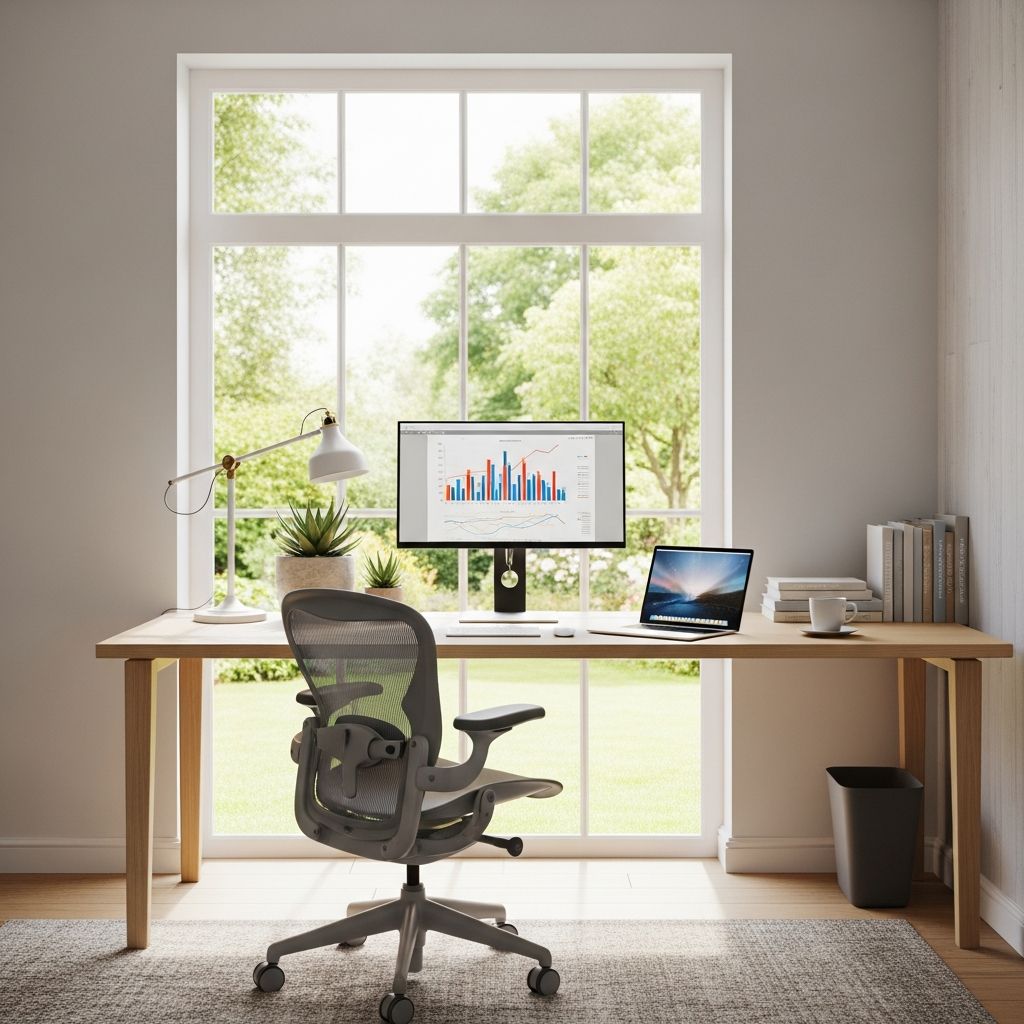
The foundation of an effective home office begins with selecting the optimal location in your home. Your workspace should be positioned in an area that receives adequate natural light, as exposure to daylight boosts mood, regulates circadian rhythms, and reduces eye strain. Ideally, position your desk near a window, but avoid direct sunlight that could create glare on your screen or cause overheating.
Consider the noise level of your chosen space. A quiet area away from high-traffic zones, children’s play areas, or household appliances will help maintain focus and minimize distractions. If you live in a noisy environment, soundproofing techniques or noise-canceling headphones can help create a more peaceful work atmosphere. Additionally, ensure your chosen location has adequate electrical outlets for your equipment and reliable internet connectivity.
Invest in Ergonomic Furniture
Proper ergonomics are crucial for long-term health and comfort when working from home. Your furniture choices directly impact your posture, reduce the risk of repetitive strain injuries, and enhance your ability to work productively throughout the day.
The Right Chair
Your office chair is one of the most important investments you’ll make for your workspace. Look for a chair that provides proper lumbar support, promoting healthy spinal alignment. The best chairs feature adjustable height, armrests, and tilt tension, allowing you to customize the fit to your body. Your feet should rest flat on the floor with your knees at a 90-degree angle when seated. Avoid sitting on regular household furniture, as these lack the support needed for extended work sessions.
The Desk Setup
Your desk height should position your elbows at a 90-degree angle when your arms rest naturally at your sides. Whether you choose a traditional desk or a standing desk, ensure it accommodates your monitor at eye level approximately 20-26 inches from your face. If using a laptop, invest in a separate monitor and keyboard to achieve proper ergonomic positioning. Standing desks or adjustable height desks are excellent options that allow you to alternate between sitting and standing, reducing fatigue and improving circulation.
Optimize Lighting
Proper lighting is essential for reducing eye strain, maintaining focus, and creating an inviting workspace. Combine multiple light sources to achieve a well-lit environment.
Natural Light: Maximize natural light by positioning your desk near windows. Natural light boosts mood and energy levels, making it easier to stay motivated throughout the day. However, use window treatments to control glare and prevent heat gain during warm months.
Task Lighting: Supplement natural light with task lighting for your work surface. A desk lamp with a brightness level of 500-1000 lumens helps reduce eye strain and creates focused illumination for detailed work. Position the lamp to the side of your workspace to minimize shadows and glare on your screen.
Ambient Lighting: Add ambient lighting to create a balanced, comfortable environment. Wall sconces, floor lamps, or ceiling fixtures help eliminate harsh shadows and create a pleasant atmosphere. Avoid overly bright lighting, which can cause headaches and fatigue.
Organize Your Storage
An organized office reduces distractions and helps you work more efficiently. Implement a storage system that keeps frequently used items within arm’s reach while maintaining a clear workspace.
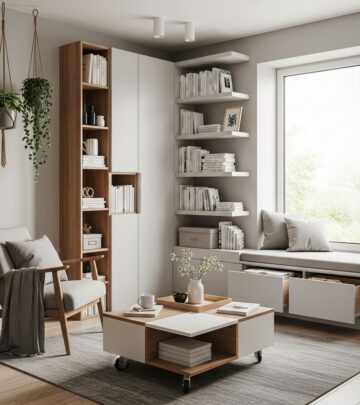
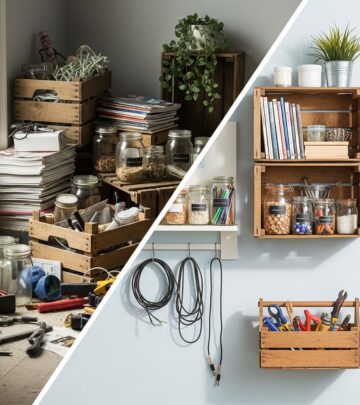
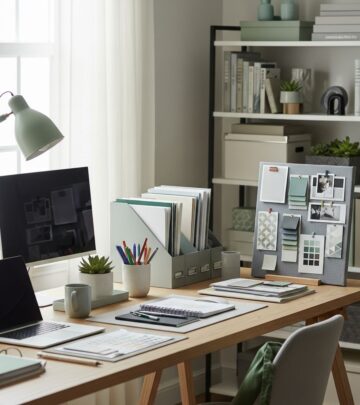
Vertical Storage Solutions: Maximize limited space by using wall-mounted shelves, floating shelves, or wall organizers. These solutions keep your desk surface clear while providing easy access to reference materials, files, and decorative items. Vertical storage also creates the illusion of a larger, more spacious room.
Filing Systems: Establish a logical filing system for documents and paperwork. Use filing cabinets, desk organizers, or drawer dividers to categorize materials by project, client, or date. Digital organization is equally important—create clear folder structures on your computer and regularly back up important files to cloud storage services.
Cable Management: Reduce visual clutter by organizing cables and cords. Use cable clips, sleeves, or boxes to bundle cables together and keep them hidden from view. This not only improves the appearance of your space but also makes it easier to identify and troubleshoot connection issues.
Create a Distraction-Free Environment
Minimizing distractions is crucial for maintaining focus and productivity when working from home. Take steps to create a controlled environment that supports concentration.
Noise Management: Use noise-canceling headphones, white noise machines, or background music to mask household sounds. If possible, inform family members or housemates about your work schedule and request quiet during designated hours. A closed door signals that you’re working and shouldn’t be disturbed.
Digital Distractions: Silence notifications from emails, messaging apps, and social media during focused work periods. Use website blockers to limit access to time-wasting sites. Set specific times for checking messages and emails rather than responding immediately to every notification.
Visual Organization: Keep your desk surface clear of unnecessary items. Only keep essential tools and supplies immediately available. Personal photos, plants, or artwork can personalize your space without creating visual clutter.
Add Comfort and Style
Your home office should be a space where you enjoy spending time. Incorporating elements that enhance comfort and reflect your personal style makes the space more inviting and motivating.
Color Psychology: Choose colors that promote focus and calm. Soft blues and greens are known to reduce stress and enhance concentration. Neutral backgrounds with accent colors create visual interest without overwhelming the senses. Avoid overly bright or harsh colors that may cause fatigue or distraction.
Plants and Nature: Indoor plants improve air quality and create a connection to nature. Studies show that plants in workspaces can reduce stress and boost productivity. Choose low-maintenance options like pothos, snake plants, or peace lilies that thrive indoors with minimal care.
Personal Touches: Display meaningful artwork, photographs, or inspirational quotes that motivate you. Personal items create a sense of ownership and comfort in your workspace. However, balance personalization with professionalism if you conduct video calls from your office.
Maintain Temperature Control
A comfortable temperature is essential for productivity and well-being. Your home office should be neither too hot nor too cold. Most people work best in temperatures between 68-72°F (20-22°C).
Ensure adequate ventilation through open windows, ceiling fans, or air conditioning. If your office is in a cold spot, use a space heater carefully and keep it away from flammable materials. Adjust lighting to manage heat gain, as excessive lighting can raise room temperature. Thermal comfort varies between individuals, so adjust your environment based on personal preference while considering efficiency.
Establish Boundaries Between Work and Home
Creating physical and psychological separation between your work and personal life is crucial for work-life balance. Even if your office is in a shared space, establish clear boundaries.
Dedicated Space: Use your home office exclusively for work during business hours. Avoid using this space for leisure activities like watching television or relaxing. This mental separation helps you shift into a productive mindset when you enter the space.
Set Work Hours: Establish consistent working hours and communicate them to family members. Create a routine that includes a morning startup ritual and an end-of-day shutdown routine. This structure prevents work from spilling into your personal time.
Close the Door: At the end of your workday, literally close your office door if possible. This physical act reinforces the boundary between work and home time.
Incorporate Flexible Workspace Solutions
Modern home offices benefit from flexible furniture and design that adapts to your changing needs. Multi-functional pieces maximize limited space and provide versatility.
Double-Duty Furniture: Choose furniture that serves multiple purposes. A desk with built-in storage, shelving units that double as room dividers, or ottomans that provide seating and storage optimize your square footage. Adjustable height desks allow you to switch between sitting and standing throughout the day.
Mobile Storage: Rolling carts and portable storage solutions make it easy to reorganize your space as needed. You can quickly adapt your setup for different tasks or accommodate additional equipment.
Frequently Asked Questions
Q: How much space do I need for a home office?
A: A functional home office requires as little as 50-75 square feet. Even a corner of a bedroom or a small closet can be converted into a workspace with the right furniture and organization systems.
Q: What’s the best color for a home office?
A: Soft blues, greens, and neutral tones like beige and gray promote focus and calm. These colors create a professional yet comfortable environment without being distracting.
Q: Should I use a standing desk or a regular desk?
A: Both have benefits. Standing desks reduce sedentary time and fatigue, but they can cause discomfort if used exclusively. An adjustable height desk that allows you to switch between sitting and standing offers the best of both worlds.
Q: How can I reduce noise in my home office?
A: Use noise-canceling headphones, add soft furnishings like rugs and curtains that absorb sound, and consider soundproofing panels. White noise machines can also mask distracting household sounds.
Q: What equipment essentials do I need?
A: At minimum, you need a reliable computer, monitor, keyboard, mouse, and internet connection. Additional useful equipment includes a webcam, microphone, headphones, and printer depending on your work requirements.
References
- Ergonomics: Health Benefits of Proper Workstation Setup — Occupational Safety and Health Administration (OSHA). 2024. https://www.osha.gov/ergonomics
- The Effects of Indoor Plants on Air Quality and Psychological Health in Workplace Environments — Journal of Environmental Psychology, Springer Nature. 2023. https://doi.org/10.1016/j.jenvp.2023.102112
- Lighting and Productivity in Workspaces: Evidence from Office Workers — Human Factors and Ergonomics Society. 2023. https://www.hfes.org/publications
- Remote Work and Its Impact on Employee Well-being — Society for Human Resource Management (SHRM). 2024. https://www.shrm.org/hr-today/trends-and-forecasting/research-and-surveys
- Color Psychology in Interior Design and Environmental Control — American Psychological Association. 2023. https://www.apa.org/science/about/psa/color
Similar Articles



Read full bio of medha deb