Keurig Troubleshooting Guide: Step-By-Step Fixes
Master Keurig fixes: Resolve power issues, brewing problems, error lights, and more for perfect coffee every time.
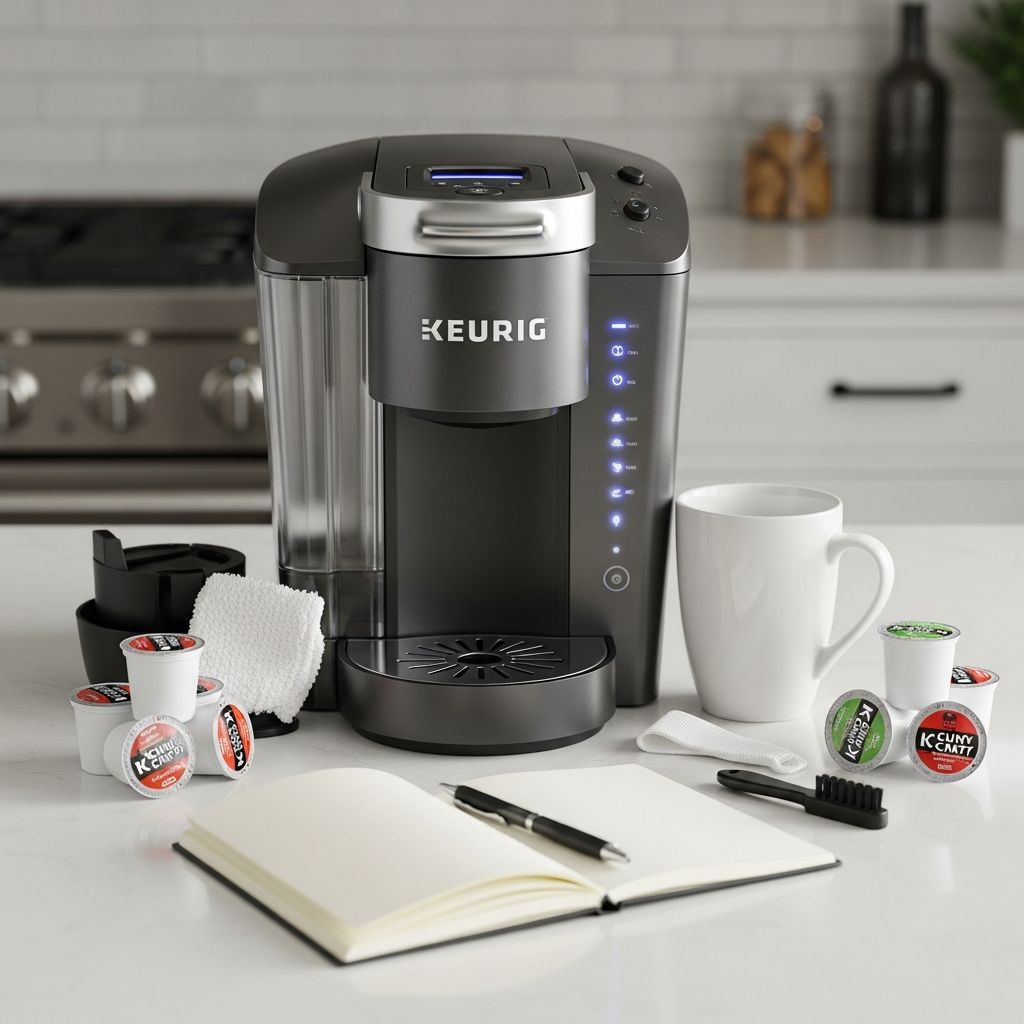
Keurig Troubleshooting Guide: Fix Common Issues Fast
Single-serve coffee makers like Keurig models offer convenience, but occasional malfunctions can disrupt your routine. This guide provides practical, step-by-step solutions for the most frequent problems, drawing from official support resources and proven user experiences. Whether your machine won’t power up, brews weakly, or displays error codes, these methods restore functionality without professional help in most cases.
Understanding Keurig Basics Before Troubleshooting
Keurig brewers rely on a water reservoir, pump, heating system, and puncture needles to process K-Cups. Issues often stem from mineral buildup, air locks, debris, or simple misalignment. Regular maintenance prevents 80% of problems. Always start with a power cycle: unplug the machine, remove the reservoir, wait 5-10 minutes, then reconnect everything and test.
No Power: Why Your Keurig Won’t Turn On
The most common complaint is a completely dead machine. Here’s how to diagnose and fix it:
- Check the outlet: Plug another appliance into the same socket. If it fails, switch outlets or use an extension cord rated for high wattage.
- Inspect the cord: Look for fraying or damage. Keurig cords are not user-replaceable; contact support if faulty.
- Power button reset: For models with LCD screens like Keurig 2.0 or Plus, tap the power icon firmly. Hold it for 10 seconds while pressing small, medium, and large brew buttons simultaneously to force a reset.
- Full reset sequence: Unplug, remove reservoir and pod holder, wait 2 hours, reassemble, and power on. This clears electronic glitches.
If these fail, the internal fuse or power board may be blown, requiring Keurig service.
Blinking Lights and Error Indicators
Flashing lights signal specific faults. Patterns vary by model:
| Light Pattern | Model Example | Likely Cause | Quick Fix |
|---|---|---|---|
| All lights flashing | K-Classic | General error or airlock | Power cycle + run 6-oz water brew |
| Add Water light blinks | Most models | Empty/misaligned reservoir | Refill, reseat tank, lift/close handle |
| Medium cup + Heat flashing | K-Classic | Overheating or clog | Press Add Water + Medium + Heat; descale if persists |
For digital displays, note error numbers like 2 (pod issue), 8 (restart), 11 (low water), or 66 (power cycle needed). Unplug for 30 seconds, then open/close handle twice. Persistent codes indicate sensor failure.
Not Brewing or Weak Coffee Output
Your Keurig powers on but dispenses little or no coffee? Clogs and air are culprits.
- Run diagnostic brew: Remove K-Cup, brew an 8-oz cup with water only. If underfilled, proceed.
- Clear air bubbles: Fill reservoir fully, unplug, shake gently side-to-side, then tap base to dislodge trapped air.
- Clean needles: Unplug, use a paperclip to unclog entry/exit needles. Rinse pod holder under hot water.
- Check seals: Inspect gasket around the pod area for cracks; tighten or replace via Keurig parts.
If output remains low, descale immediately (see below).
Leaks, Grounds in Coffee, or Overflows
Coffee grounds in your cup or leaks from the top signal puncture failures.
- Debris buildup: Wipe needles with a damp cloth; remove foil from reusable pods if used.
- Foam overflow: Avoid overpacking pods or using non-Keurig cups. Run water cycles post-cleaning.
- Internal leaks: Tighten reservoir valve. If dripping from base, the pump seal needs replacement.
Pro tip: Place a mug under the spout during handle lift to catch drips during cleaning.
Descaling: Essential for Mineral Buildup
Hard water causes 70% of brewing issues. Keurig recommends descaling every 3-6 months.
Step-by-Step Descaling Process
- Fill reservoir with equal parts white vinegar and water (or Keurig solution).
- Run multiple 6-oz brew cycles into a large container until half-empty (discard liquid).
- Let sit 30 minutes to dissolve limescale.
- Rinse reservoir, fill with water, brew 3-4 full cycles to flush vinegar.
- Test with fresh water; repeat if taste lingers.
For forced descale mode on newer models: Fill, press 8-oz and medium cup buttons together until light flashes, then brew.
Water Reservoir Problems
Not detecting water? Clean the tank base valve with warm soapy water. Inspect float sensor for debris. Shake excess water from tank before reinserting to avoid shorts. Overfilling past max line triggers shutoff—always check markings.
Strange Noises or Overheating
Grinding sounds mean debris in pump; descale and clean. Overheating (auto-shutoff) follows heavy use—let cool 15 minutes. Persistent issues point to faulty thermostat.
Preventive Maintenance Schedule
Extend your Keurig’s life with routine care:
- Weekly: Wipe exterior, rinse reservoir, run water brew.
- Monthly: Clean needles, pod holder, drip tray.
- Quarterly: Full descale, inspect seals.
- Filter use: Install Keurig water filter to reduce minerals.
Use filtered water to minimize buildup.
When to Contact Keurig Support
If basic fixes fail after 2-3 attempts, it’s warranty time. Keurig offers free shipping for repairs on 1-year covered models. Document errors with photos/videos. Common replaceable parts: pump, gasket, needles.
Frequently Asked Questions (FAQs)
Why is my Keurig only brewing half a cup?
A: Typically air bubbles, clogs, or scale. Shake out bubbles, clean needles, and descale.
How do I reset my Keurig completely?
A: Unplug 10+ minutes sans reservoir, reassemble, lift/close handle. For digital: hold power + brew sizes.
My Keurig smells like plastic—what now?
A: New machine off-gassing. Run 4-5 water cycles; add vinegar if persists.
Error 11 on Keurig: What’s the fix?
A: Water detection issue. Power cycle, reseat tank, clean valve.
Can I use vinegar instead of descaling solution?
A: Yes, effectively and cheaper. Follow same process, rinse thoroughly.
Model-Specific Tips
K-Classic: Simpler—no screen. Use button combos for resets.
2.0/Plus: Touchscreen picky; gentle taps, avoid scratches.
K-Mini: Compact but prone to air locks—shake vigorously.
With these strategies, most Keurigs revive quickly, saving time and money. Consistent care ensures years of reliable brews.
References
- Keurig Error Codes: The Ultimate Troubleshooting Guide — Coffeeholli (YouTube). 2023. https://www.youtube.com/watch?v=MFBz6OG6DWI
- Troubleshooting Your Keurig: Resolving 10 Common Issues with Ease — Lifeboost Coffee. 2024. https://lifeboostcoffee.com/blogs/lifeboost/troubleshooting-your-keurig-resolving-10-common-issues-with-ease
- What To Do When Your Keurig Stops Working: Troubleshooting Guide — Coffeeholli (YouTube). 2023. https://www.youtube.com/watch?v=jp8w8Ve7L7U
- Support for Keurig® K-Classic® Coffee Maker — Keurig Official Support. Accessed 2026. https://support.keurig.com/?category=EXT_US_K_Classic&page=shell&shell=kdp-product&kdp-product=kdp-product-details
- Keurig® Troubleshooting Guide — WebstaurantStore. 2024. https://www.webstaurantstore.com/guide/1311/keurig-troubleshooting.html
Similar Articles


Read full bio of medha deb