Smart Home, Calm Home: A Modern Guide to Tech That Actually Makes Life Easier
Use technology to simplify your home, not complicate it.
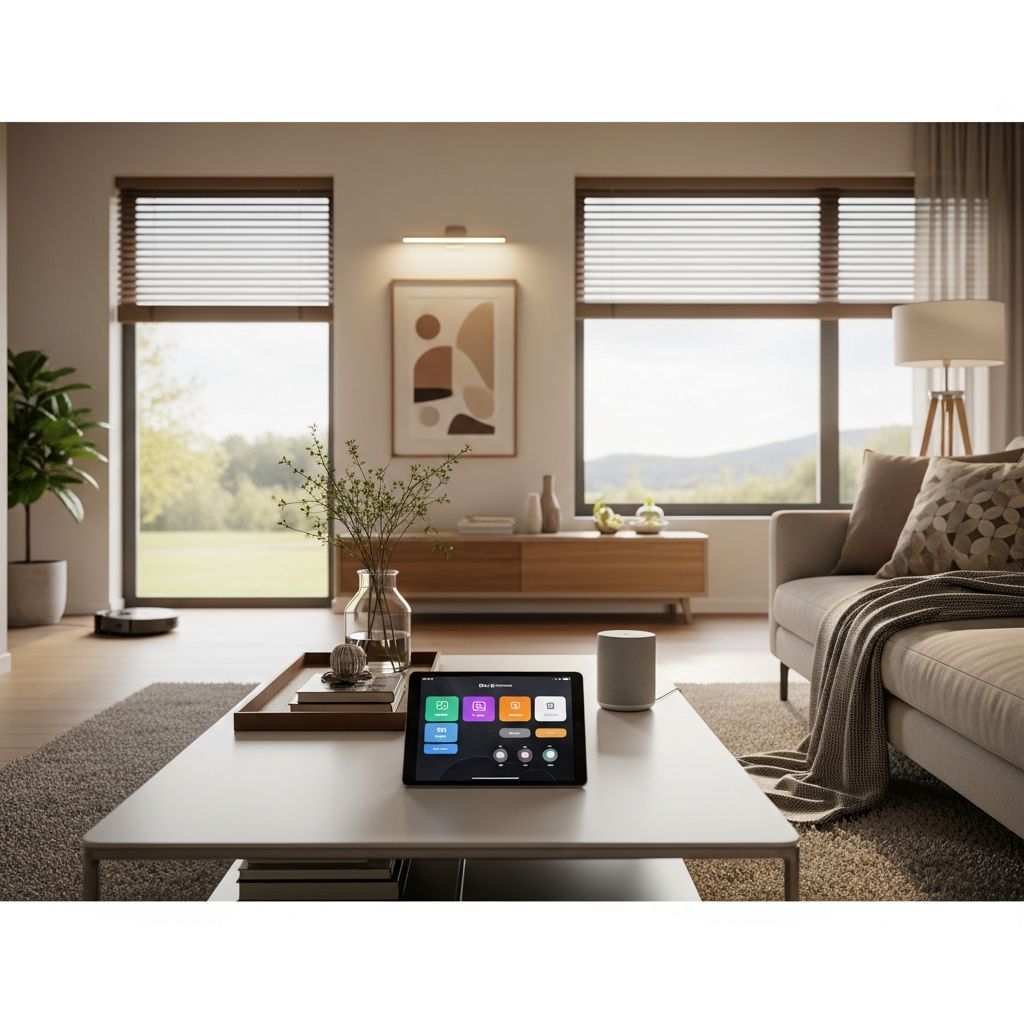
Modern homes are full of gadgets, screens, and chargers, but technology only feels helpful when it is organized and intentional. This guide walks through practical ways to use home technology to reduce stress, save time, and create a calmer, more functional space.
Why Tech Clutter Feels So Overwhelming
Phone alerts, tangled chargers, random remotes, and half-used apps all compete for attention. Without a plan, technology becomes just another source of visual and mental clutter. The goal is not to own every new device, but to choose tools that quietly support your daily routines.
When tech is stored thoughtfully, labeled clearly, and automated wisely, it fades into the background and simply makes life smoother. Think less “electronics everywhere” and more “invisible helpers” built into the way your home already works.
Principles of a Calm, Tech-Savvy Home
Before diving into specific gadgets, it helps to set a few ground rules for how technology will work in your space. These principles keep your home from turning into an electronics store and make every purchase more intentional.
- Function first: Every device should solve a real problem, not just be a novelty.
- Less but better: Fewer, multi-purpose devices beat a drawer full of single-use gadgets.
- Tech follows routine: Choose tools that support existing habits instead of forcing new ones.
- Everything has a home: Every cable, remote, and device needs a specific resting spot.
- Automate the boring: Use settings and schedules to handle repetitive tasks quietly in the background.
Designing a Central Family Tech Zone
One of the easiest ways to reduce device chaos is to create a single, shared “tech zone” in the home. This is where phones charge overnight, tablets live when not in use, and small devices are stored and found quickly.
What a Good Tech Zone Includes
- A stable flat surface (console table, sideboard, shelf, or small cart).
- A multi-port charging station or power strip with surge protection.
- Labeled trays or bins for headphones, cables, and small accessories.
- A small bowl or dish for keys, smart watches, and tracking tags.
- Cord management: clips, cable sleeves, or adhesive channels to hide wires.
Placement Tips
Choose a location people naturally walk past, such as near the front door, in the kitchen, or by the stairs. Avoid placing it in bedrooms if you are trying to reduce screen time at night. Make sure there is easy access to an outlet and enough room for multiple devices at once.
Taming Cables, Chargers, and Power Strips
Cords are one of the most visible signs of tech clutter. With a few organizers and naming systems, you can turn cable chaos into something that almost disappears into your decor.
Quick Wins for Cord Control
- Use cable labels on both ends of each charger so you always know what it belongs to.
- Keep spare cables in a sectioned box or divided pouch by type (USB-C, Lightning, HDMI, etc.).
- Attach adhesive cable clips to furniture edges to guide wires where you want them.
- Mount power strips under desks or behind consoles to free floor space.
- Use Velcro ties or reusable twist bands instead of knots and rubber bands.
Simple Cable Organization Table
| Problem | Simple Tech-Friendly Fix |
|---|---|
| Chargers constantly disappearing | Assign each person a color of cable tag and label by name. |
| Ugly wires under TV or desk | Use a cable raceway or cord cover painted to match the wall. |
| Drawer full of unidentified cords | Sort once by device category, label, donate or recycle the rest. |
| Tripping hazards near outlets | Relocate power strips behind furniture and use shorter cables. |
Digital Decluttering: Organizing the Tech You Cannot See
Even if your shelves look tidy, a disorganized digital life can still feel heavy. Email overload, unorganized photos, and random apps all add to a background sense of chaos. Treat digital clutter like a room that needs regular upkeep.
Digital Declutter Checklist
- Delete unused apps and move rarely used ones into a folder.
- Unsubscribe from newsletters that you rarely open.
- Create simple folder structures for documents (for example: Home, Work, School, Finances, Photos).
- Use cloud backup for important files and enable automatic photo backups.
- Schedule a recurring monthly “digital tidy” on your calendar.
Start small: pick one category per week, such as photos, email, or downloads. Consistency matters more than perfection, and a few minutes regularly can prevent overwhelming digital mess later.
Room-by-Room: Practical Home Technology Ideas
Each room in the home plays a different role, so your technology should support that role instead of fighting it. Below are practical ideas to integrate tech into key spaces without overwhelming them.
Living Room: Comfortable, Not Chaotic
- Use a media cabinet with doors to hide consoles, routers, and streaming boxes.
- Mount the TV and run cables through the wall or a cord cover for a clean look.
- Keep all remotes in a single tray or container; consider a universal remote or hub.
- Use smart bulbs or plugs to create cozy lighting scenes activated by a voice command.
Kitchen: Tech That Actually Helps
- Install a charging drawer or small charging caddy to keep devices off counters.
- Use a tablet or smart display for recipes, timers, and shopping lists instead of piles of paper.
- Set up digital grocery lists that multiple family members can add to from their phones.
- Consider smart plugs for coffee makers or slow cookers you want to schedule.
Bedrooms: Rest First, Screens Second
- Charge phones outside the bedroom or across the room to keep screens out of reach at night.
- Use a basic alarm clock or a smart speaker with display dimming instead of a glowing phone screen.
- Set up “Do Not Disturb” schedules to silence notifications during sleep hours.
- Use smart shades or smart bulbs to gradually brighten in the morning for a gentler wake-up.
Home Office: Productivity Without Gadget Overload
- Mount a docking station under the desk to connect monitors, keyboard, and storage with a single cable.
- Use a large monitor arm to free desk space and hide cables behind the screen.
- Keep printers and bulkier hardware on a nearby cart that can slide out of sight when not in use.
- Use noise-cancelling headphones and a simple microphone instead of multiple separate audio gadgets.
Smart Routines That Save Time Every Day
One of the biggest benefits of home technology is automation. Instead of constantly turning things on and off, you can design simple routines that run in the background and support your daily rhythm.
Ideas for Helpful Automations
- Morning routine: Lights slowly brighten, a playlist starts, and the thermostat adjusts at a set time.
- Leaving home: A single command turns off lights, lowers the thermostat, and locks smart locks.
- Evening wind-down: Lights dim, certain apps or notifications are restricted, and calming sounds play.
- Vacation mode: Randomized lights mimic occupancy while security devices stay on high alert.
Start with one or two simple routines and refine them over time. The best automations are those that are boring—quietly saving time and energy without constant tinkering.
Balancing Screens and Family Life
Smart homes should make room for connection, not just more screen time. A clear set of boundaries about when and where devices are used can keep technology from taking over shared spaces.
Healthy Tech Habits at Home
- Establish “no phone” zones such as the dining table, bathroom, or certain hours in the evening.
- Use built-in tools on devices to track screen time and set app limits if needed.
- Create tech-free rituals such as board game nights, walks, or reading time.
- Keep charging stations outside of kids’ bedrooms to reduce late-night scrolling.
Security, Privacy, and Peace of Mind
Connected devices bring convenience, but they also come with responsibility. A well-organized tech home also pays attention to security settings, privacy controls, and safe access for everyone who lives there.
Basic Home Tech Security Steps
- Use strong, unique passwords and enable multi-factor authentication on important accounts.
- Regularly update device firmware and app software to patch vulnerabilities.
- Change default usernames and passwords on routers and connected devices.
- Review privacy settings for smart speakers, cameras, and apps, and disable features you do not need.
Consider keeping a secure, backed-up document with key account details and instructions so that other household members can manage systems if needed.
Low-Tech Habits That Make High-Tech Work
Even the smartest devices cannot replace consistent habits. The real magic happens when simple routines meet helpful technology in a way that feels natural instead of forced.
- Pair every new gadget with a specific storage spot and label.
- Use weekly mini-reset sessions to return remotes, controllers, and cables to their homes.
- Create a small “tech donation” box for old devices to sell, donate, or recycle quarterly.
- Set recurring reminders for battery changes, subscription reviews, and security checks.
Frequently Asked Questions
How do I stop buying gadgets I do not really need?
Give yourself a simple rule: do not buy a new device until you have clearly defined the problem it will solve and how often you will use it. Wait at least a week before purchasing, and during that time, see if an existing tool can do the job well enough. This pause helps filter out impulse buys.
What is the best place to put a charging station?
The best spot is where people naturally drop their belongings when they come home, such as near the entryway or in the kitchen. Make sure the location is easy to reach, close to an outlet, and has enough surface area so multiple devices can charge without stacking on top of each other.
How can I keep kids’ screens under control without constant arguments?
Set clear, simple rules in advance and involve kids in creating them. Use built-in parental controls and screen timers so that limits are enforced automatically by the devices instead of through constant negotiations. Pair this with fun, tech-free alternatives that are easy to say yes to.
Is it worth upgrading to smart bulbs, plugs, or thermostats?
If your goal is to save energy, create safer routines, or make it easier to manage lights and temperature from one place, then starting with a few smart plugs or bulbs can be a practical step. Begin in the rooms you use most, learn what features you actually use, and expand slowly instead of upgrading everything at once.
How often should I declutter my digital life?
A quick monthly check-in is usually enough for most people. Use that time to clear downloads, delete duplicate photos, remove unused apps, and back up important documents. Treat it like tidying a drawer: small consistent efforts keep things from becoming overwhelming.
Bringing It All Together
A calm, technology-friendly home is not about owning the newest devices. It is about choosing helpful tools, giving them clear homes, and designing simple routines that support the way you actually live. When tech feels invisible and your spaces are easy to maintain, your home becomes a place where both people and gadgets can coexist peacefully.
Similar Articles





Read full bio of Sneha Tete