Unlock Panasonic Genius Sensor Microwave: Complete Guide
Master disabling child safety locks on Panasonic microwaves with model-specific steps, troubleshooting, and safety tips for effortless kitchen use.
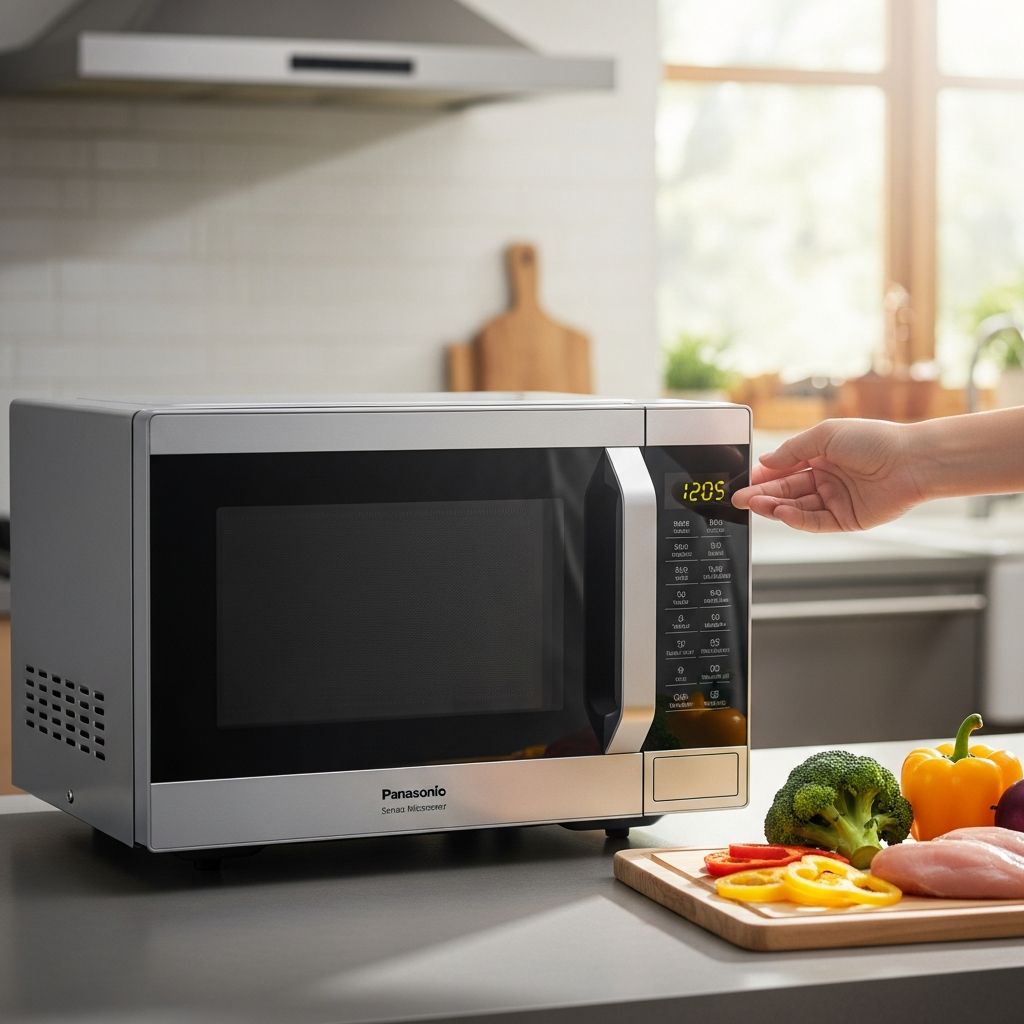
Panasonic Genius Sensor microwaves are popular for their advanced inverter technology and intelligent cooking features that detect steam for precise heating. However, the built-in child safety lock can unexpectedly activate, locking the control panel and displaying ‘LOCK’ to prevent accidental use. This guide provides detailed, model-specific instructions to disable the child lock, troubleshoot issues, and understand related safety features, ensuring you can quickly restore normal operation.
Understanding Child Safety Features in Panasonic Microwaves
Child safety locks on Panasonic microwaves serve to protect young children from operating the appliance unsupervised. There are two primary types: the control panel lock, which disables keypad inputs, and the automatic door lock, which secures the door during and after cooking cycles on newer models. The panel lock typically activates by pressing a button sequence accidentally, while door locks enhance safety by requiring specific steps to open the door post-cooking.
Genius Sensor models use inverter power for even, efficient cooking of reheated meals, frozen items, or sensor-based programs like breakfast or dinner. When locked, the display shows ‘LOCK’ or a key icon, and buttons become unresponsive. Knowing your model—such as NN-SD67NS, NN-SN968, or NN-DS59—is crucial, as methods vary.
Basic Steps to Disable Control Panel Child Lock
For most Panasonic Genius Sensor microwaves without a Function button, follow these universal steps:
- Locate the Stop/Reset or Stop/Cancel button on the control panel.
- Press it three times consecutively within 10 seconds. The display should return to the clock or show a colon (:), indicating the lock is off.
- Test by pressing any other button; it should respond without showing ‘LOCK’.
If your model has a Function button, try: Function + 5 + 2. This sequence is specific to certain inverter models and clears the keypad disablement.
| Model Type | Lock Activation | Unlock Sequence |
|---|---|---|
| Standard (No Function) | Start x3 | Stop/Reset x3 |
| With Function | Function + 5 + 1 | Function + 5 + 2 |
| Newer Inverter | Auto during use | See model-specific below |
Model-Specific Unlocking Instructions
NN-SD67NS (Pre-2024 Models)
For this model, activate lock by pressing Start three times when the clock displays. To unlock, press Stop/Reset three times quickly. The feature only affects electronic operation, not the physical door.
NN-SN968 Series
Press Start three times to lock; a key symbol appears. Unlock with Stop/Reset three times, restoring the time display. Set this only when the colon or clock is visible.
NN-DS59 and Similar
When ‘0’ shows, press Stop/Cancel three times to lock or unlock. Ideal for families needing quick toggle.
Post-March 2024 Models (e.g., NN-GN68KSATH, NN-SD66LSC)
These feature automatic electronic door locks. After cooking, with door closed:
- Press Timer/Clock (Door Open) or Door Open button.
- ‘OPEN’ displays on screen.
- Press door release button to unlock and open.
Note: Locks disengage if unplugged. For permanent deactivation on some, press Turbo Defrost + Timer + Popcorn sequence; a long beep confirms.
NN-SB65NS and Touch Panel Models
During cooking, door won’t open for safety. Post-cooking, press Open Door first, then release. Demonstrated in official videos for safe food removal.
Troubleshooting Common Lock Issues
If the standard sequence fails:
- Power Cycle Reset: Unplug for 10-30 seconds, then replug. This clears memory, defaulting lock to off.
- Check for Errors: H97 or H98 indicate microwave system faults; contact Panasonic service.
- Timing Matters: Complete sequences within 10 seconds; repeat if interrupted.
- Door Lock Persistence: On auto-lock models, ensure cooking cycle ended fully before attempting unlock.
For persistent issues, consult the user manual or Panasonic support. Avoid forceful door opening to prevent damage.
Safety Considerations and Best Practices
While convenient to disable, child locks exist for protection. Panasonic recommends reactivating in homes with young children. Teach kids microwave hazards: hot surfaces, steam burns, and radiation risks during operation. Always supervise use and place appliances out of reach.
Inverter technology in Genius Sensor models provides uniform heating, reducing hot spots, but locked doors prevent burns from superheated contents. For models with door locks, use oven mitts post-unlock.
Advanced Features and Maintenance Tips
Beyond locks, Genius Sensor auto-adjusts times based on steam detection for optimal results. Maintain by cleaning the panel gently and checking seals. Regular firmware checks via Panasonic site ensure latest safety updates.
To avoid accidental locks, minimize rapid button presses during programming.
Frequently Asked Questions (FAQs)
What if ‘LOCK’ still shows after pressing Stop/Reset three times?
Power cycle by unplugging for 10+ seconds, then retry. If H97/H98 appears, seek professional repair.
Does disabling child lock affect door operation?
No, panel lock only disables controls; door locks on newer models are separate and auto-deactivate post-cycle or unplug.
Can I permanently remove the child lock?
On some models, yes, via Defrost + Timer + Popcorn sequence, but Panasonic advises against it for safety.
How do I lock the microwave again?
Reverse the unlock: Press Start x3 or model-specific sequence when clock displays.
Is the child lock the same on all Panasonic microwaves?
No, varies by model and manufacture date; always check manual or these guides.
Comparing Lock Types Across Panasonic Models
| Lock Type | Affected Models | Unlock Method | Door Impact |
|---|---|---|---|
| Panel Lock | Most Genius Sensor | Stop x3 | No |
| Auto Door Lock | Post-2024 | Door Open + Release | Yes |
| Function-Based | Older Inverter | Function +5+2 | No |
This table summarizes key differences for quick reference.
References
- How To Remove The Child Lock On A Panasonic Genius Sensor Microwave Oven — Hunker. 2018-2023 (accessed 2026). https://www.hunker.com/13407962/how-to-remove-the-child-lock-on-a-panasonic-genius-sensor-microwave/
- How to Unlock Your Panasonic Microwave: Steps and Tips — Fix Appliances CA. 2023-01-15. https://fixappliances.ca/blog/how-to-unlock-your-panasonic-microwave-steps-and-tips/
- How to use the child safety lock feature – Panasonic Microwave Ovens — Panasonic North America Official Support. 2024-06-01. https://help.na.panasonic.com/answers/how-to-use-the-child-safety-lock-feature-panasonic-microwave-ovens/
- Lock and Unlock Panasonic Touch Panel Microwaves — Panasonic Help (YouTube). 2024-06-06. https://www.youtube.com/watch?v=CBmc7IyMMZY
- Can the child lock be turned off – Q&A — Best Buy Panasonic Product Page. 2023-12-01. https://www.bestbuy.com/site/questions/panasonic-1-2-cu-ft-1200-watt-sn65kw-microwave-with-inverter-and-genius-sensor-white/6419637/question/e4286fc4-394a-3eeb-a276-da486c822d93
Similar Articles




Read full bio of Sneha Tete