What To Do With Old Photos: A Kind Guide To Letting Go, Keeping, and Digitizing Memories
How to declutter boxes of photos without guilt while protecting the memories that matter most.
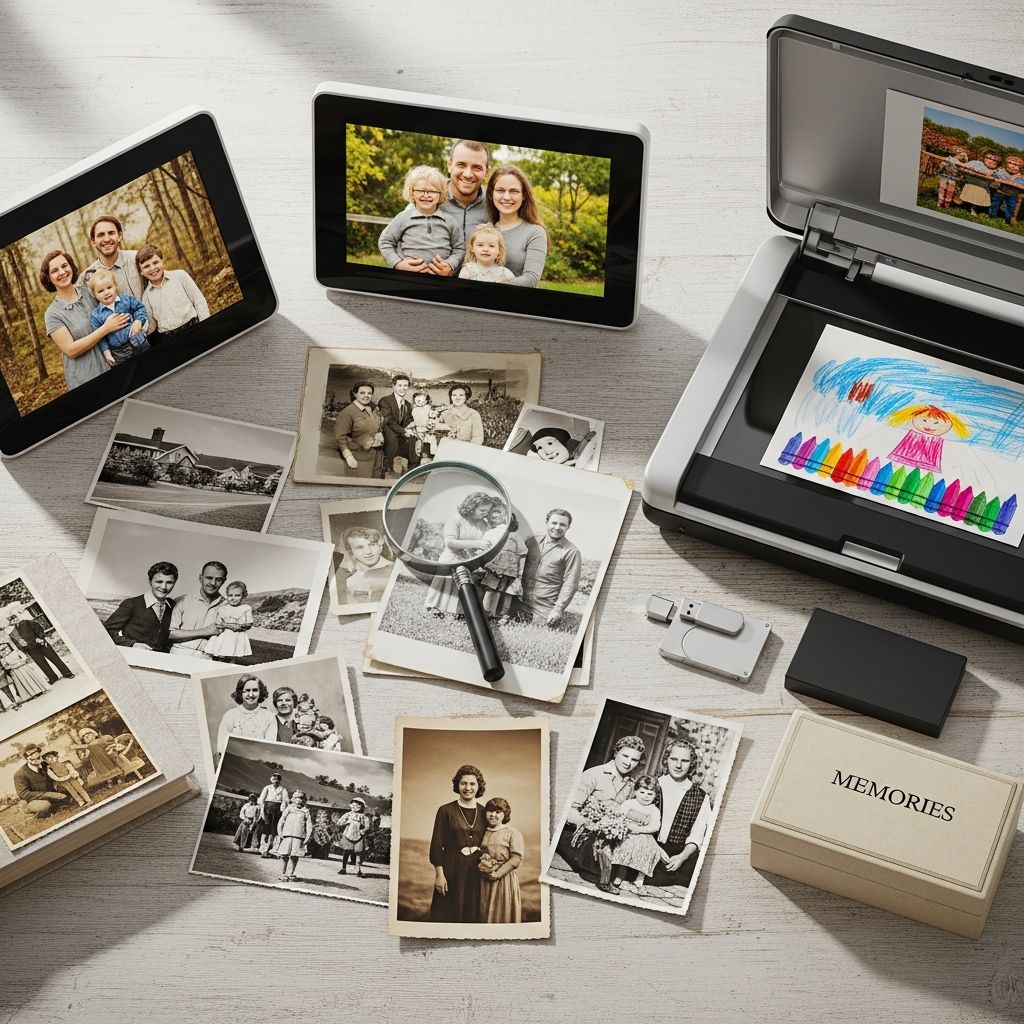
Boxes of old photos can feel like tiny paper anchors: full of meaning, heavy with emotion, and surprisingly hard to move or reduce. This guide walks you through a gentle, practical process to decide what to keep, what to let go of, and how to protect the memories that matter most in a way that fits your space and your life.
Why Printed Photos Become Overwhelming
Most homes have at least one box, bin, or drawer stuffed with photos from decades of birthdays, vacations, school events, and everyday moments. The sheer volume can make it hard to even open the box, let alone start sorting. On top of that, photos carry emotional weight, so every decision feels important, even when the picture is blurry or duplicated.
The result is often a growing pile of unsorted memories that live in closets and basements instead of being easily enjoyed. Tackling them with a step-by-step plan helps you move from avoidance to action without feeling like you are throwing away your past.
Step One: Set Your Intentions Before You Sort
Before touching a single photo, decide what you want from this process. A clear intention will guide your choices and calm the guilt that often shows up when you consider discarding pictures.
- Define your end result. Do you want one curated photo box per decade, a digital archive, a family album, or a mix of all three?
- Decide your time frame. Will you work for 30 minutes a week, or aim to finish a single box over a weekend?
- Agree on your standards. For example: keep only clear, meaningful, or historically important images and let go of the rest.
Writing these intentions on an index card and keeping it near you while you sort can make tough decisions easier. When in doubt, you can quickly check whether a photo supports the goal you set.
Step Two: Gather and Pre-Sort Without Overthinking
Instead of analyzing each photo right away, begin with a quick pre-sort. This creates order from chaos and prevents you from getting stuck on individual decisions too early.
Basic pre-sort categories
- Family and close friends: Parents, siblings, children, grandparents, and long-term friends.
- Events and milestones: Weddings, graduations, birthdays, holidays, and major trips.
- Everyday life: Candid shots at home, school, or work.
- Duplicates and problem photos: Blurry, cut-off faces, near-identical series, or severely damaged pictures.
- Unknown people or places: Photos you do not recognize and cannot easily identify.
Use temporary containers like shoebox lids, trays, or labeled envelopes for each category. At this stage, move quickly and spend only a few seconds per photo. The goal is to group similar items, not to decide their ultimate fate yet.
Step Three: Decide What Deserves a Permanent Place
Once your photos are loosely grouped, start making decisions within each category. This is where you choose which memories will stay with you physically and which can be let go or captured digitally instead.
Simple keep-or-let-go checklist
Ask these questions for each photo or small set of similar photos:
- Is the subject clear and visible?
- Does this image tell a story you want to remember or share?
- Is this the best version of this moment among similar shots?
- Will anyone in the family care about this image in ten or twenty years?
If the answer to most questions is “no,” the photo is a strong candidate for recycling or shredding once digitized, if needed. If the answer is “yes,” consider whether you want to keep the original, scan it, or both.
When It Is Okay To Let Photos Go
Part of the stress around photo decluttering comes from the belief that throwing away a picture equals erasing a person or a memory. In reality, many printed photos are simply low-quality duplicates of moments already preserved elsewhere or images that never held much meaning.
- Blurry or badly exposed shots: If you cannot see the subject clearly, the image is not doing its job.
- Near-identical multiples: Keep the single best version and release the rest.
- Back-of-head or random crowd images: If you cannot identify who or what matters, the emotional value is minimal.
- Copies of scenic views with no context: A beach or mountain with no recognizable people or story rarely earns long-term space.
- Damaged beyond recognition: Moldy, stuck-together, or heavily torn pictures that cannot be restored may be better let go.
Remind yourself that you are not deleting the past; you are curating it. You keep the photos that make your history clearer and more meaningful, rather than drowning it in repetition and clutter.
What To Do With Photos of Difficult Memories
Some photos are hard to categorize because they capture people or periods that are emotionally complicated: ex-partners, estranged relatives, or painful times. These images can be both historically important and emotionally draining.
- Give yourself permission to pause. If certain photos feel too intense, place them in a separate envelope labeled “Decide Later” and revisit them when you feel emotionally ready.
- Consider partial preservation. You might scan an image for the historical record and then let go of the physical print.
- Create boundaries. You do not have to keep every reminder of a difficult relationship to acknowledge that it existed.
If you share photos with other family members, consider asking whether anyone else wants these images before discarding them. Sometimes a picture that is painful for one person holds positive meaning for another.
Digitizing: Giving Paper Photos a Second Life
Digitizing your photos lets you preserve memories in a compact, easily shared format while freeing physical space in your home. You can scan prints yourself or send them to a professional service, depending on your budget, time, and comfort level.
Basic options for scanning
- Flatbed or document scanner: Ideal for higher-quality scanning and delicate or older images.
- Photo scanning apps: Useful for casual digitizing with a smartphone, especially for sharing on social media or with family.
- Professional scanning services: Best for large collections, archival quality, or when you want color correction and restoration.
Whichever method you choose, decide on a consistent file naming system and folder structure so future you can quickly find what is needed.
Simple Naming and Organizing System for Digital Photos
Digital photos are only useful if you can locate them easily. A straightforward naming system prevents your digital archive from becoming another unmanageable pile, just in a different format.
| Level | Example Name | What It Contains |
|---|---|---|
| Main folder | Family_Photos | All scanned and digital images |
| Year subfolder | 1998 | Events and moments from that calendar year |
| Event or theme folder | 1998_06_Graduation | All images from a specific event or trip |
| File name | 1998_06_12_Graduation_Dad_Speech_001.jpg | Single image with date, event, and brief description |
You can adjust this structure to focus on people, locations, or decades instead of individual years. The most important thing is consistency so that everyone in the family understands how to find and add photos.
Smart Storage for the Photos You Keep
For the prints you decide to keep, choose storage that protects them from light, moisture, and handling damage. Quality storage also makes it more likely that your photos will be viewed and enjoyed instead of forgotten in a damp box.
Good practices for physical photo storage
- Choose archival-quality materials. Look for acid-free boxes, envelopes, and albums designed specifically for photographs.
- Avoid extreme temperatures. Store photos in living areas rather than attics, basements, or garages.
- Keep photos upright. Standing photos in boxes with dividers can reduce bending and warping.
- Label clearly. Use soft pencils or archival pens on the back edges or on separate index cards instead of pressing hard into the photo paper.
Think of your storage as a personal library of memories. Everything should be easy to flip through, clearly labeled, and comfortable to revisit.
Creative Ways To Enjoy Your Favorite Photos
Once you have reduced and organized your collection, you can finally highlight the images that truly make you smile. Displaying them in thoughtful ways helps your memories become part of daily life instead of hiding in a box.
- Themed photo books: Create slim albums around topics such as “Childhood Summers,” “Grandparents,” or “Our First Home.”
- Rotating gallery frames: Use frames that open easily so you can swap prints each season or on special dates.
- Digital frames: Load scanned images into a digital frame that cycles through your favorites on a shelf or mantel.
- Memory boxes: Combine a handful of photos with small keepsakes (a ticket stub, a pressed flower) to tell a richer story.
By choosing a few special ways to display your photos, you honor the people and experiences in them instead of letting them fade at the bottom of a storage bin.
Involving Family in the Process
Photo decluttering can be a meaningful family project rather than a solitary chore. Involving others not only lightens the workload but also adds context and stories that might otherwise be lost.
- Schedule a story night. Spread out a small batch of photos and invite relatives to identify people, places, and dates while sharing memories.
- Assign small tasks. One person can sort by decade, another can label, and another can handle scanning.
- Share digital copies. Once photos are scanned, send curated folders or albums to siblings, cousins, or children who may want their own copies.
This collaborative approach can transform old boxes into shared history, strengthening connections across generations.
Setting Boundaries for Future Photos
Decluttering your existing collection is powerful, but you also need a plan to prevent new photo clutter from building up. Clear rules around what you print, what you save digitally, and how often you review your collection will keep it manageable.
- Print selectively. Reserve prints for your very favorite images instead of every holiday or event.
- Schedule regular reviews. Once or twice a year, quickly delete digital duplicates and poor-quality shots and refresh your printed displays.
- Use shared albums with intention. Create specific, labeled digital albums for trips, holidays, or major milestones, and move only the best images into them.
Over time, these habits will help you maintain a curated, meaningful collection instead of starting the cycle of clutter again.
FAQs About Decluttering Old Photos
Do I have to keep every photo of a close family member?
No. Keeping someone’s memory alive does not require holding on to every image ever taken of them. It is perfectly reasonable to keep a modest number of photos that feel special, representative, and emotionally positive, and let go of the rest.
Is it disrespectful to throw away photos of relatives who have passed away?
Respect for someone’s life is expressed through how you remember and honor them, not by the sheer volume of pictures you own. You might preserve a few favorite portraits, digitize others, and responsibly discard damaged or duplicate prints while still holding deep respect for your loved one.
What should I do with pictures of an ex or from a painful period?
You are allowed to set boundaries around what you keep in your home. Some people choose to scan a small number of historically significant images and then discard the physical copies, while others let go of them entirely. If you feel unsure, store them in a sealed, clearly labeled envelope and revisit the decision after some time has passed.
How do I safely dispose of photos I no longer want?
If privacy is a concern, consider shredding or cutting photos into small pieces before recycling the paper. For images that do not show identifiable people or sensitive information, you may be comfortable discarding them more directly, but choose the method that aligns with your comfort level.
How long will this whole process take?
The timeline depends on how many photos you have and how detailed you choose to be. A single small box might be sorted in an afternoon, while decades of family pictures could take several weekends. Working in modest, scheduled sessions usually feels more sustainable than trying to do everything in one long, exhausting marathon.
Moving Forward With a Lighter, More Intentional Photo Collection
Old photos are powerful reminders of where you have been and who you have loved, but they do not all deserve equal space in your home or on your shelves. By clarifying your goals, sorting thoughtfully, digitizing wisely, and choosing meaningful ways to display your favorites, you can transform overwhelming boxes into a curated, accessible archive of your life.
The result is not just a tidier closet or cabinet. It is a collection of memories that feels intentional, manageable, and genuinely enjoyable to revisit and share.
Similar Articles








Read full bio of medha deb